Register EPOS Accessories
Explore Register EPOS Accessories at Cash Register Group. Compare peripherals for compatible Register setups to find an option that suits your setup. Check hardware and software support before ordering before ordering, or contact our team for advice.Showing 1-10 of 10 Items.

Our Best Selling Products
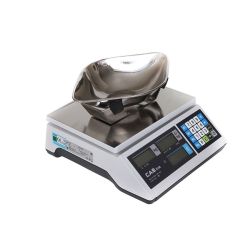
CAS ER Junior 6kg Sweet Scoop Weighing Scale
£258.00 (inc vat)£215.00 (ex vat)
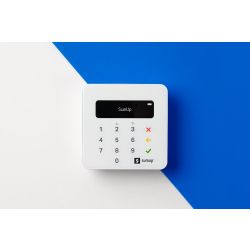
SumUp Air Card Reader Machine and Payment Terminal
WAS: £46.80WAS: £39.00£18.00 (inc vat)£15.00 (ex vat)
57mm X 50mm Thermal Till Rolls. Box Of 20. (24m Of Paper Per Roll)
£7.20 (inc vat)£6.00 (ex vat)
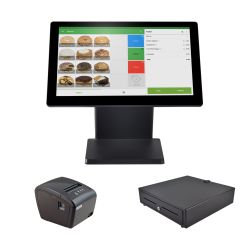
Loyverse EPOS Bundle – Till, Printer & Cash Drawer
WAS: £502.80WAS: £419.00£418.80 (inc vat)£349.00 (ex vat)
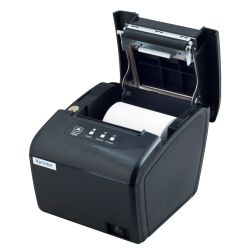
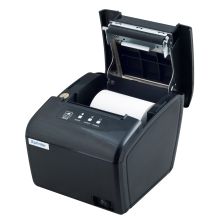
Xprinter XP-S260M Thermal Printer (Serial, USB, LAN Interfaces)
WAS: £83.94WAS: £69.95£59.94 (inc vat)£49.95 (ex vat)