
Receipt & Kitchen Printers for EPOS
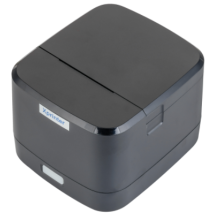
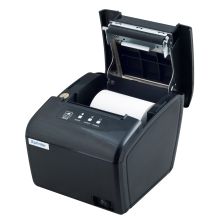
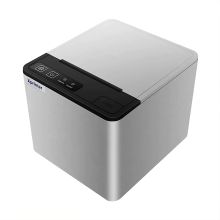
Explore Receipt & Kitchen Printers for EPOS at Cash Register Group. Compare receipt and kitchen printers with different connection options to find an option that suits your setup. Check software support, paper width and the supplied interface before ordering, or contact our team for advice.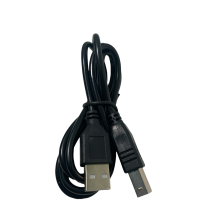

Our Best Selling Products
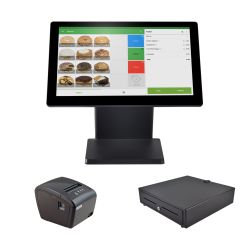
Loyverse POS Bundle – Terminal, Printer, Cash Drawer, Free Software & Card Payments
£510.00 (inc vat)£425.00 (ex vat)
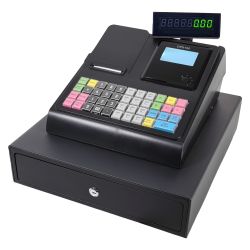
CRG100 Black Cash Register Till And Drawer
£198.00 (inc vat)£165.00 (ex vat)
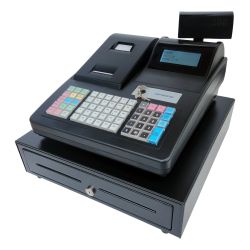
CRG520 Black Cash Register And Large Drawer (Twin Printer)
£298.80 (inc vat)£249.00 (ex vat)
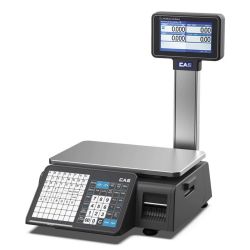
CAS CN1 Label Printing Scale 15Kg
£898.80 (inc vat)£749.00 (ex vat)
Loyverse EPOS Bundle – Till, Printer & Cash Drawer
WAS: £502.80WAS: £419.00£418.80 (inc vat)£349.00 (ex vat)